
Hospitality
How a decoupled Drupal CMS and a middleware layer let the Foxwoods team manage the content behind its mobile app.

Foxwoods Resort Casino wanted a mobile app that could show guests current offers, events, and promotions. That meant a backend that was flexible enough for the Foxwoods team to manage and dependable enough for guests to rely on.
The answer was a decoupled, or headless, Drupal content management system. This article walks through how it fits together and what we learned building it.
In a headless approach, the mobile app is separate from the content repository. Foxwoods’ content lives in Drupal. Between the two sits the Foxwoods middleware (MW), which fetches content from Drupal and serves it to the app. That makes the middleware the app’s main source of truth, so the app can focus on the guest experience.
| Layer | What it does |
|---|---|
| Mobile app | Shows content and handles guest actions |
| Middleware (MW) | Fetches, caches, and serves content to the app |
| Drupal CMS | Stores offers, events, dining, and menu content |
Keeping these layers apart means the team can improve the mobile interface without being limited by a traditional monolithic CMS. We cover a related integration problem in the real cost of a disconnected booking engine.
The middleware and its supporting services run on Amazon Web Services, built to scale, stay secure, and need little hands-on operation. The Drupal CMS is hosted separately from these services. Key AWS pieces include:
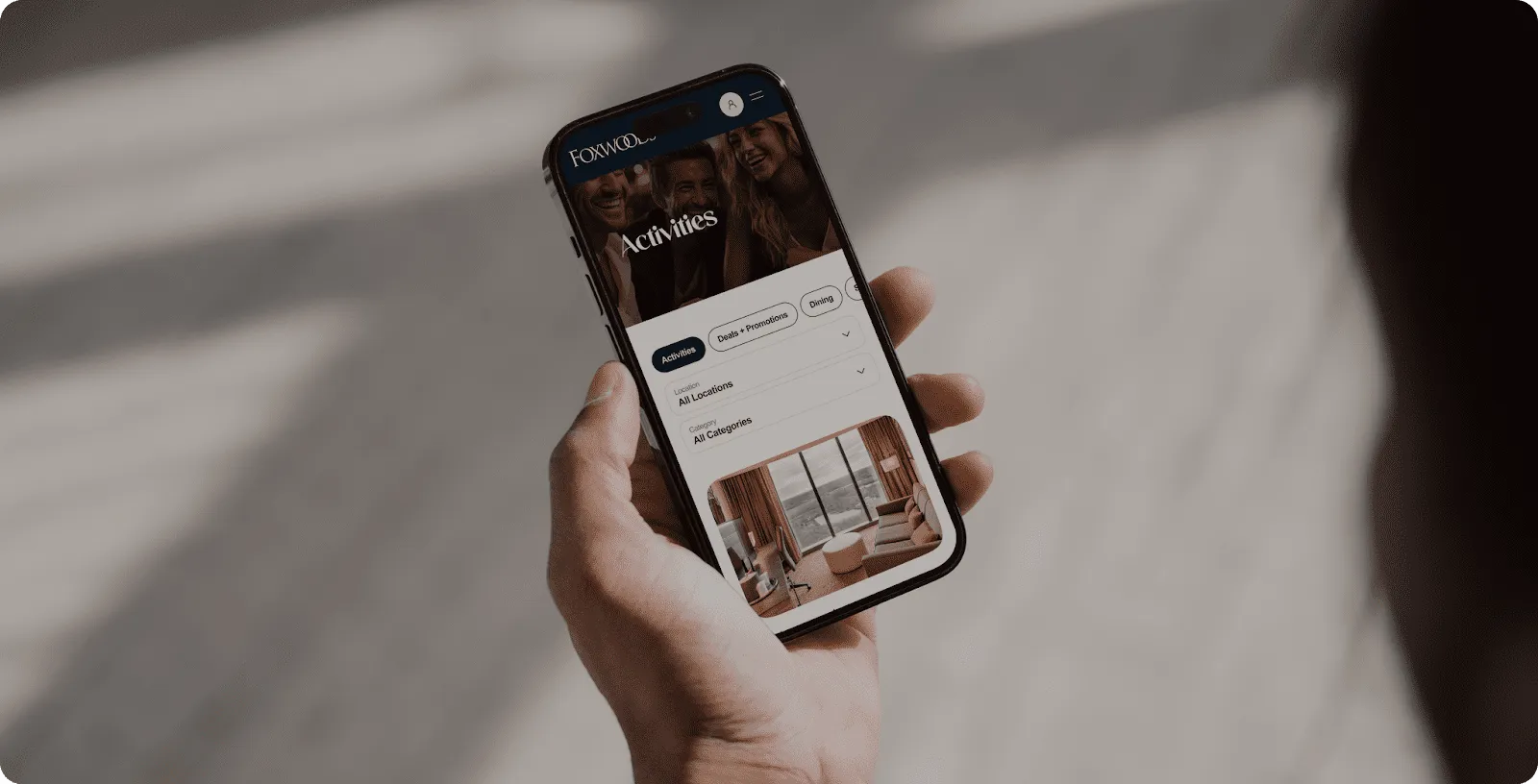
Because the CMS is separate from the app, much of the experience is content, not code. The main Explore menu is not hard-coded. Administrators manage it through custom configuration pages in the CMS, and the app receives it through the JSON:API. The Foxwoods team can update and rearrange the main navigation without publishing a new version of the app.
The same idea applies deeper in the app. On the Dining screen, each restaurant is a piece of structured content in Drupal, so guests can filter the list by taxonomies defined in the CMS, such as restaurant type or cuisine. We also built a custom Open Now filter. It compares the current time to the hours stored with each restaurant, so a guest can quickly see where they can eat right now.
One challenge was retrieving content and its assets efficiently. Getting an image from Drupal took two steps: one API call for the content, and a second call to get the image URL from the media node. With a lot of content, those extra calls can slow the app down.
We added a Redis caching layer. When the app asks for content, the middleware first checks the cache. If the data is there, it returns it without another round trip to Drupal.
Missing media was the second problem. If an image is not found, or its URL is invalid, the middleware requests a fallback image from a dedicated S3 bucket. Guests see a relevant picture instead of a broken one.
In our view, three habits carry over to any content-heavy mobile app:
Combining a decoupled Drupal CMS, AWS services, and a caching layer gave Foxwoods a flexible foundation for its mobile app. You can see more of our hospitality projects in our work, and our services page explains how we approach this kind of build.
Planning a content-rich mobile app for your property? Get in touch.
A content management system that stores and manages content but does not decide how it looks. The content is delivered through an API, so a mobile app, a website, or another channel can each present it their own way.
In our view, a middleware gives the app one dependable source for its data. It can combine, cache, and clean up what the CMS returns, so the app stays simple and the CMS stays free to change.
For content, yes. The main Explore menu and the content on screens such as Dining are managed in the CMS and delivered to the app through an API, so editors can update them without an app-store release.
The middleware falls back to a default image kept in an AWS S3 bucket, so guests see a relevant picture instead of a broken one.

Update offers, events, and menus without app releases, keeping guests connected to what is new.