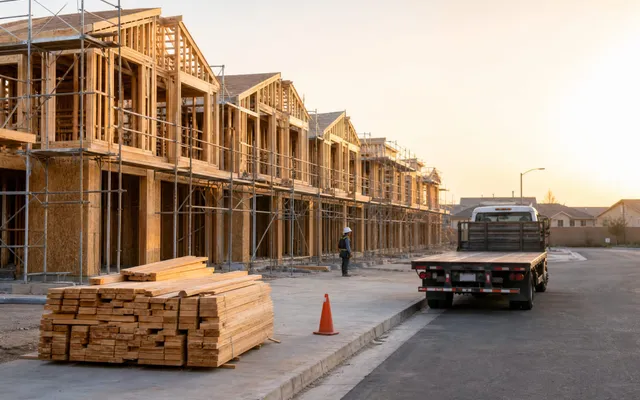
Construction & Logistics
Paper still runs a lot of job sites. Here is what changes when field tools work offline, capture photos on the spot, and share one record with the office.
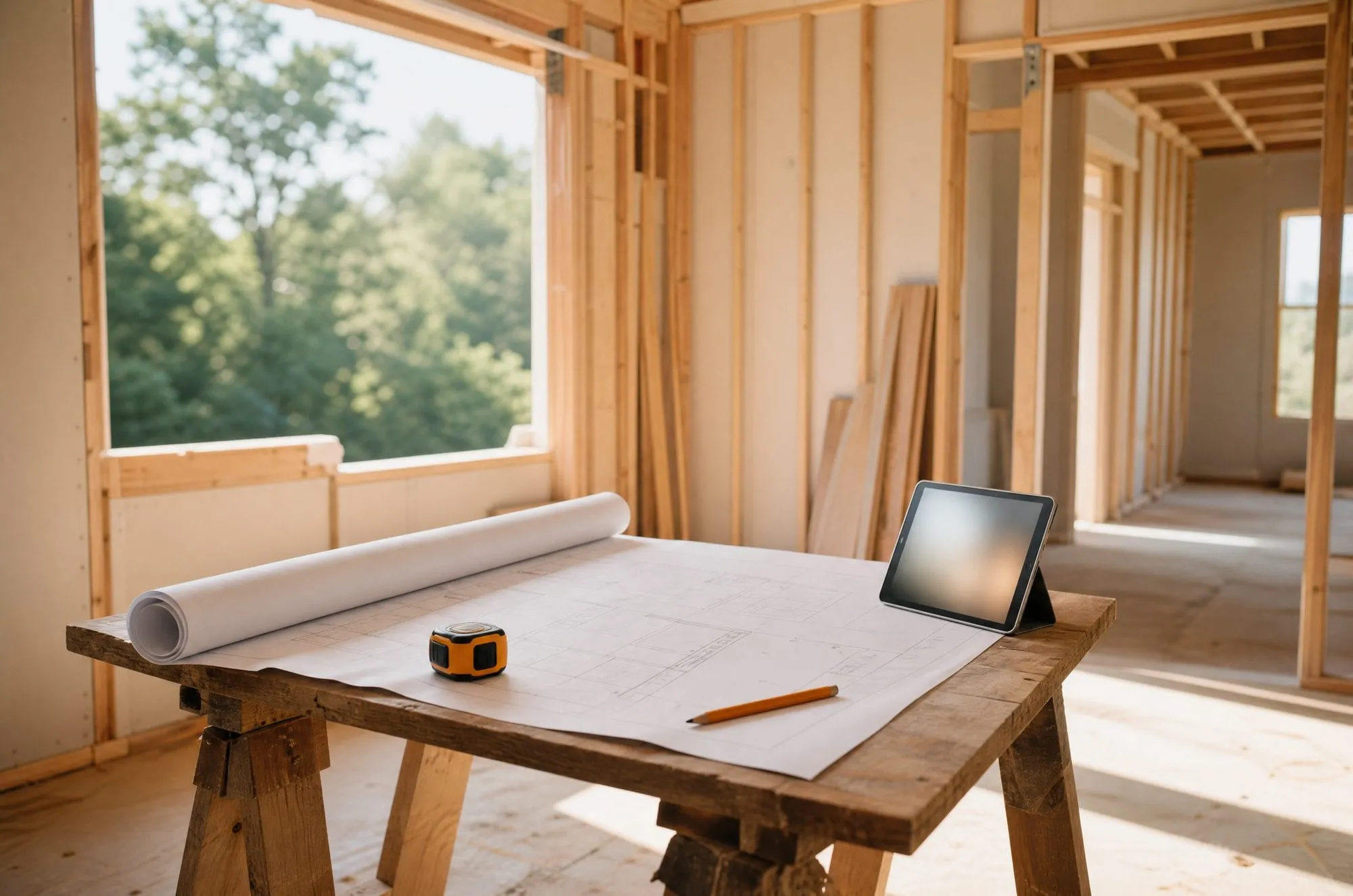
The construction industry builds the future, but it often does so with the tools of the past. Machinery has advanced enormously. Managing information in the field still leans on paper blueprints, printed spreadsheets, and long email chains. When the people on site and the people in the office work from different versions of the truth, the gap shows up as delay and rework.
Mobile tools can close that gap, but only if they are built for the job site. Here is what separates the ones crews use from the ones they ignore.
Mostly time. A PlanGrid and FMI survey of 599 construction leaders, Construction Disconnected, found that respondents lost an average of 5.5 hours a week looking for project data and 3.9 hours to mistakes and rework. These are survey-based estimates, but the pattern is familiar to anyone who has chased a missing drawing.
The deeper problem is lag. When a site manager spots a hazard or logs a progress report on paper, the office may not know until the end of the day, or the week. That delay causes approval waits, rework from outdated plans, and safety exposure. We cover the wider cost in the real cost of construction delays.
Plans point that way. In the Associated General Contractors of America and Sage 2025 Construction Hiring and Business Outlook survey of more than 1,100 U.S. contractors, 69% of respondents said they plan to use mobile software for daily field reports. Smaller shares listed time tracking and approval (54%), sharing drawings, photos, and documents (53%), and punch lists (46%).
That survey measures planned uses, not what crews do every day. In our view the gap between planning and daily use is where field tools succeed or fail, which is why software that crews actually use is its own problem.
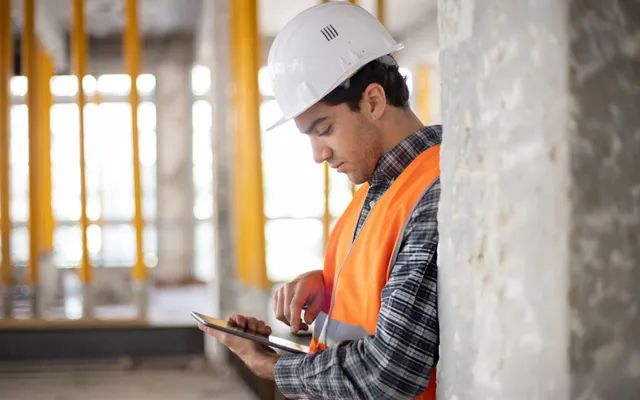
A desktop app is no help in the mud and the noise. In our experience, a field tool has to meet a few conditions before crews will rely on it:
We built Clipboard, an inspection app for the homebuilder NVR, around the assumption that the signal will drop. In our discovery work, we found that in new residential developments Wi-Fi is usually absent and cellular data is spotty. So the app keeps a local database on the device. An inspector can log a defect with photo evidence with no connection, and the app queues the changes and syncs them automatically when the signal returns. Photos upload in the background without blocking the screen. Clipboard runs on iOS and Android.
The requirement was plain: if an inspector logs a critical defect and the battery dies, the data survives.
They can, and the gain is speed. In Clipboard, an inspector creates and categorizes an item with photos, assigns a vendor and due date, and tracks it until the repair is verified. NVR eliminated paper-based inspection tracking. Another NVR app we built, SchedulePro, can generate safety and accident reports and send them to the right stakeholders, so a report does not wait for someone to get back to a desk.
A checklist on a phone only helps if it is quicker than paper. We design mobile field workflows against that test.
Through a shared record. When a task or inspection changes on a phone, the update syncs to the backend, and managers see current status across their lots, not a stale report. For NVR that meant real-time visibility into lot progress and defect status, and less coordination overhead between inspectors and vendors. You can see more of this work in our work.
Pick one paper process that causes the most delay, such as inspections, daily reports, or punch lists, and replace it with a tool that works offline. Test it with the crew that will use it, on a site with a weak signal. Expand once people use it without being asked.
Ready to take paper out of your field workflow? Talk to us about your job sites.
Information reaches the office late. A hazard, a defect, or a progress update written on paper may not be seen until the end of the day or week, so approvals wait, crews work from outdated plans, and problems grow before anyone can act.
The app keeps working without a signal. It stores data on the device, queues what the user enters, including photos, and syncs automatically when the connection returns. Crews do not wait for a network to log their work.
Yes. Inspection items can be created with photo evidence on site, and reports can be generated and sent to the right people from the same app. What matters is that the form is quick enough that crews actually fill it in.
Through a shared backend. When a task or inspection changes on a phone, the update syncs to the server, and managers see current status across lots or projects instead of waiting for a report.

Field inspections on paper delay decisions. We build offline-first tools that keep your team and office in sync.
Construction & Logistics
Construction & Logistics

Construction & Logistics